

Ashford & Reeve: custom law firm website design
A concept law firm. We designed a custom law firm website and brand system: twelve page templates, one component library, editorial typography and scroll-driven motion, built with no frameworks.
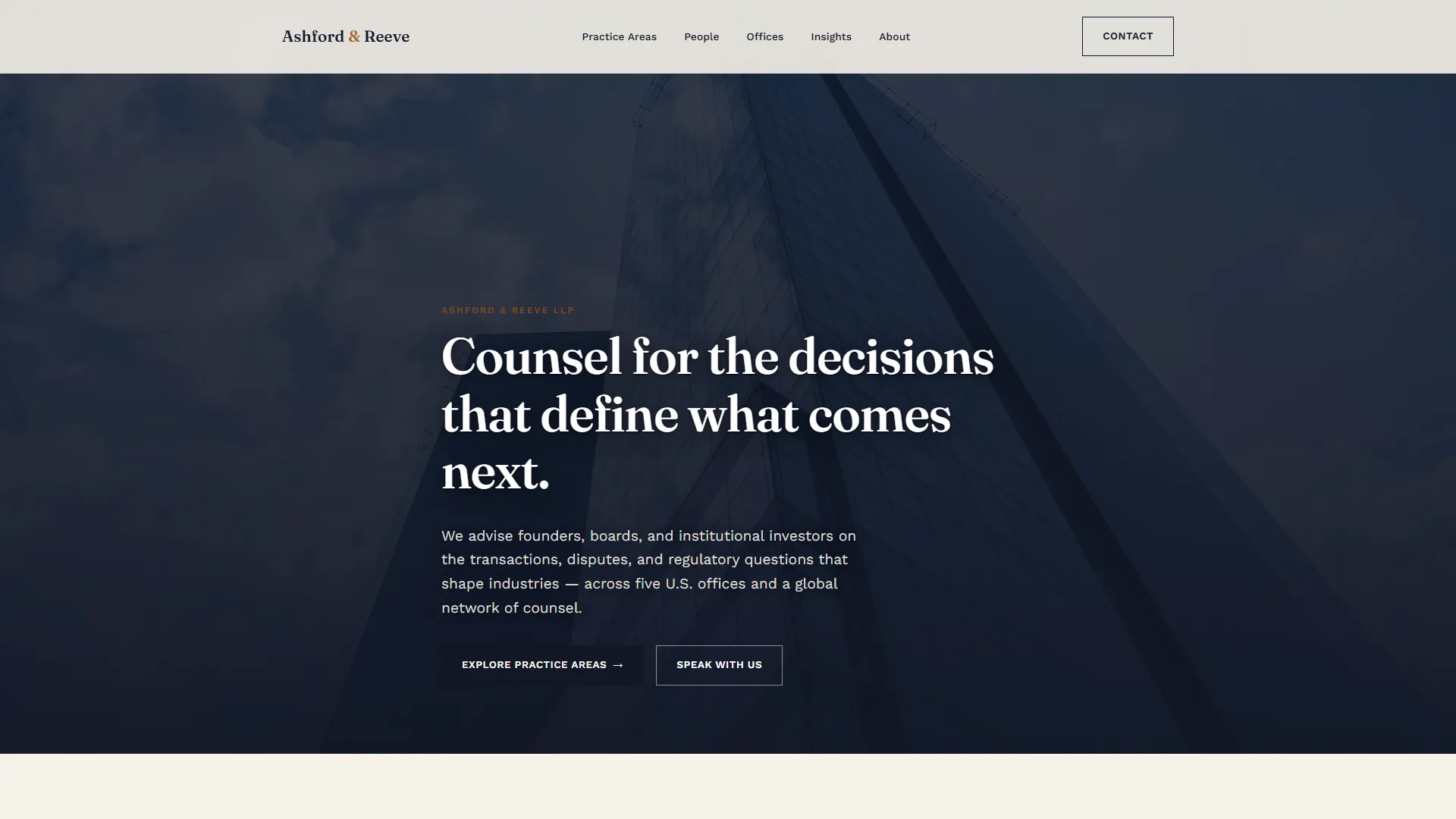
Ashford & Reeve is a concept law firm we made to show how we approach law firm website design. It needed more than a template: a digital identity that matches the seniority of the work. Most law firm web design defaults to the same look: a navy header, stock gavel photography and a rigid SaaS-style grid. Our brief was the opposite. We built a custom law firm website design with its own typographic voice, its own color logic and an information architecture that scales across practice areas, people and offices without feeling like a database dump.
The result is a full site system: twelve page templates, one component library and no frameworks, built to read well and to hold up as the firm adds practices, attorneys and offices.
Project facts
- Type — self-initiated concept. Ashford & Reeve, its lawyers, offices and figures are sample content.
- Industry — legal
- Services — brand direction, information architecture, custom web design, front-end development, motion and interaction design
- Scope — 12 page templates and one component library
The brief
- Move away from generic professional website design company templates and build something with real typographic character.
- Organize a large content surface — practice areas, industries, attorney bios, offices, insights — into a clear legal website information architecture that scales.
- Design a law firm brand identity system (type, color, imagery direction) that could extend to international offices later without a redesign.
- Ship it as a lightweight, fully static build, with no CMS bloat and no JS framework overhead.
Strategy and information architecture
Before any visual work, we mapped the site as a law firm design system UI: a small set of reusable templates (hero, card grid, accordion, profile, article) that could represent every type of content the firm publishes — practices, people, offices, insights — without inventing a new layout for each one. It is the same discipline we bring to any complex information architecture project: fewer templates, more consistency, easier maintenance. The structure runs Home, Practice Areas, Practice Detail, People, Profile, Offices, Office Detail, Insights, Article, About and Contact. See our design systems service.
Brand direction: typography and color
Legal sites default to rigid, robotic sans-serif systems because that is what SaaS dashboards use, not because it serves a legal industry content marketing goal. We picked the opposite direction:
- Fraunces, a warm, high-contrast display serif, for headlines — editorial rather than corporate.
- Work Sans for body copy — clean enough for long-form reading, not sterile.
- A warm paper background (#F6F2EA) instead of clinical white.
- Deep ink navy (#121726) for contrast and authority.
- A brass and terracotta accent (#A6632F) in place of the expected navy and gold: distinct, warm, ownable.
Our branding service covers this kind of direction.
Page-by-page walkthrough
1. Home
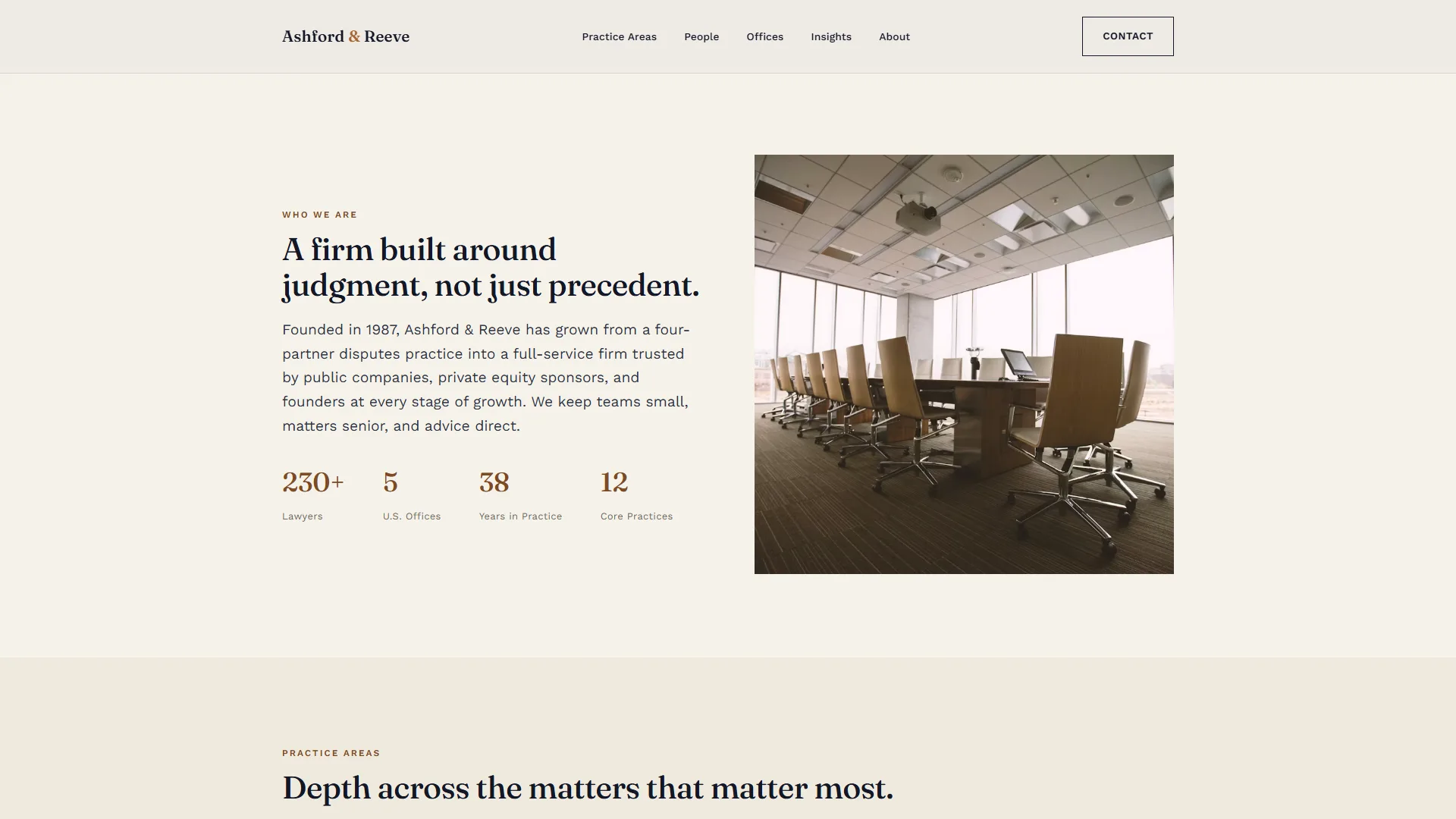
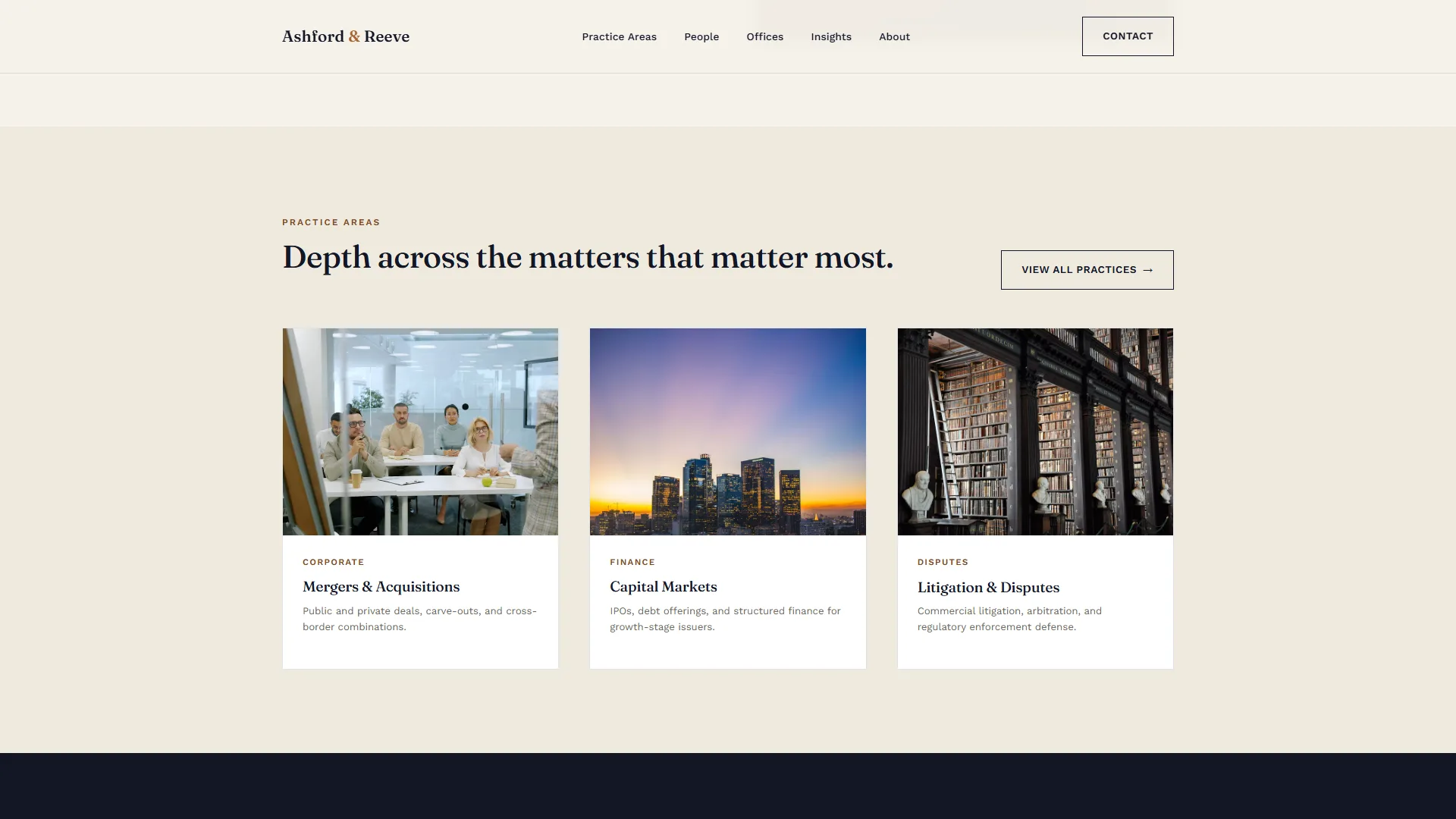
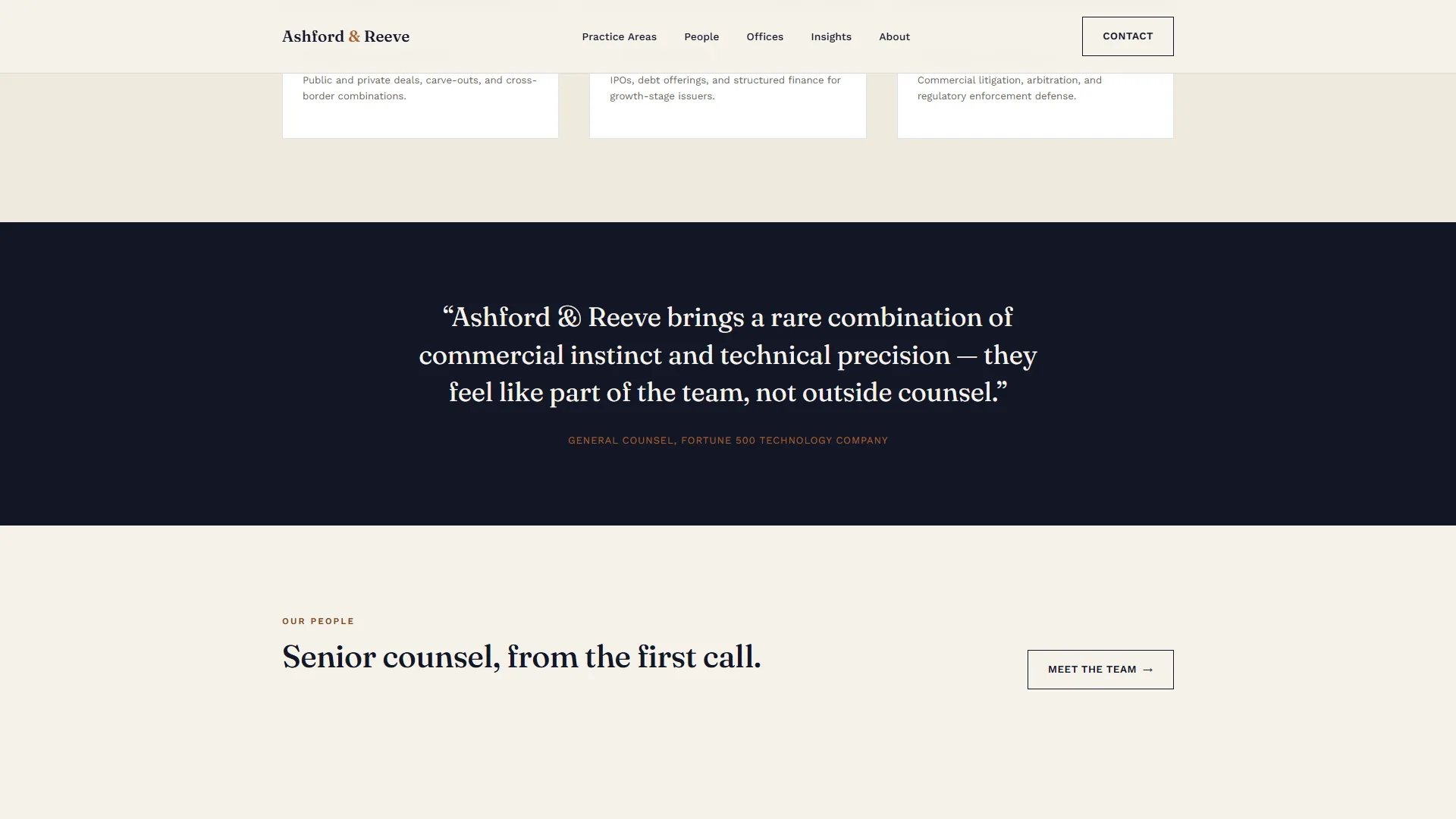
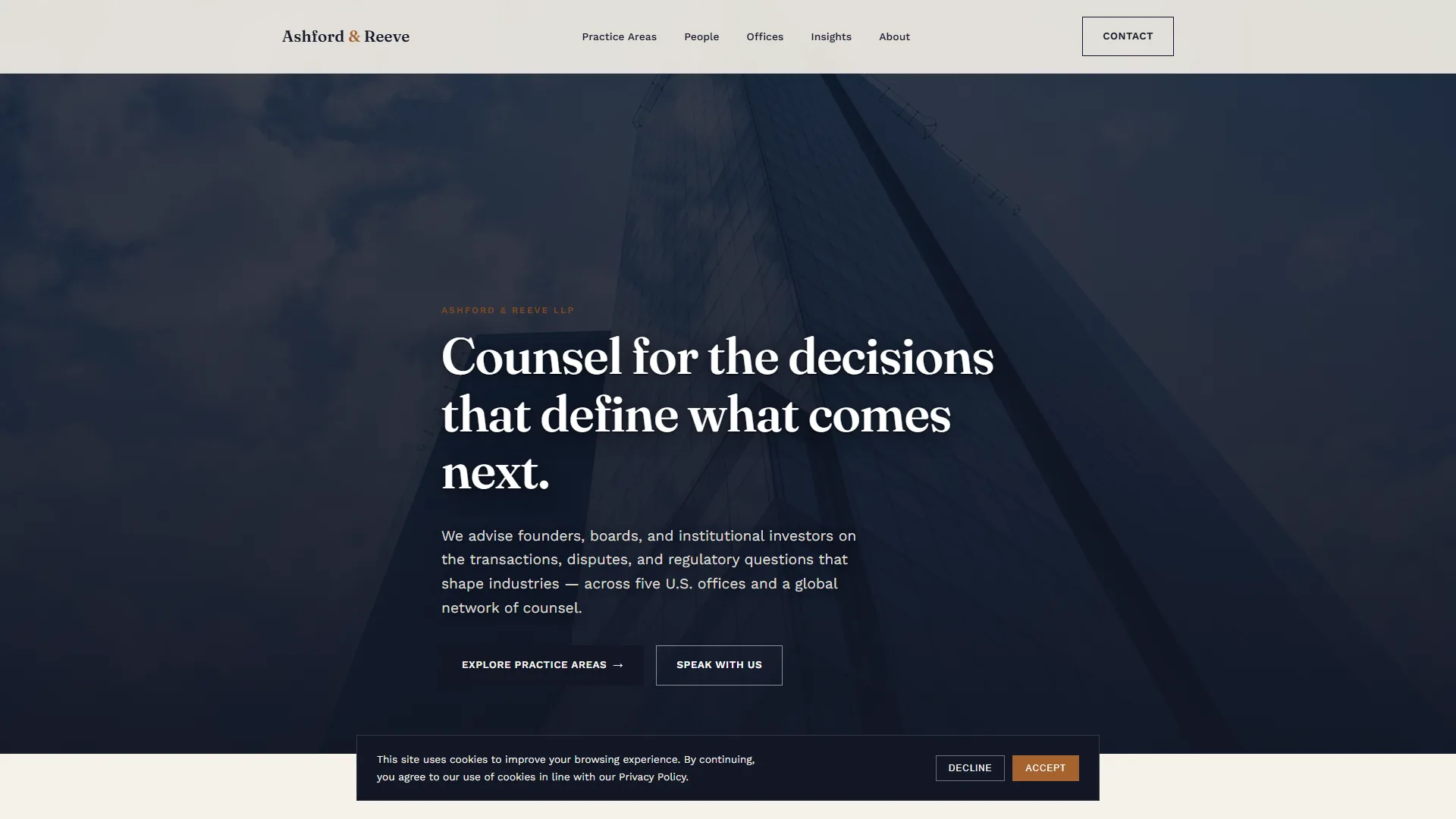
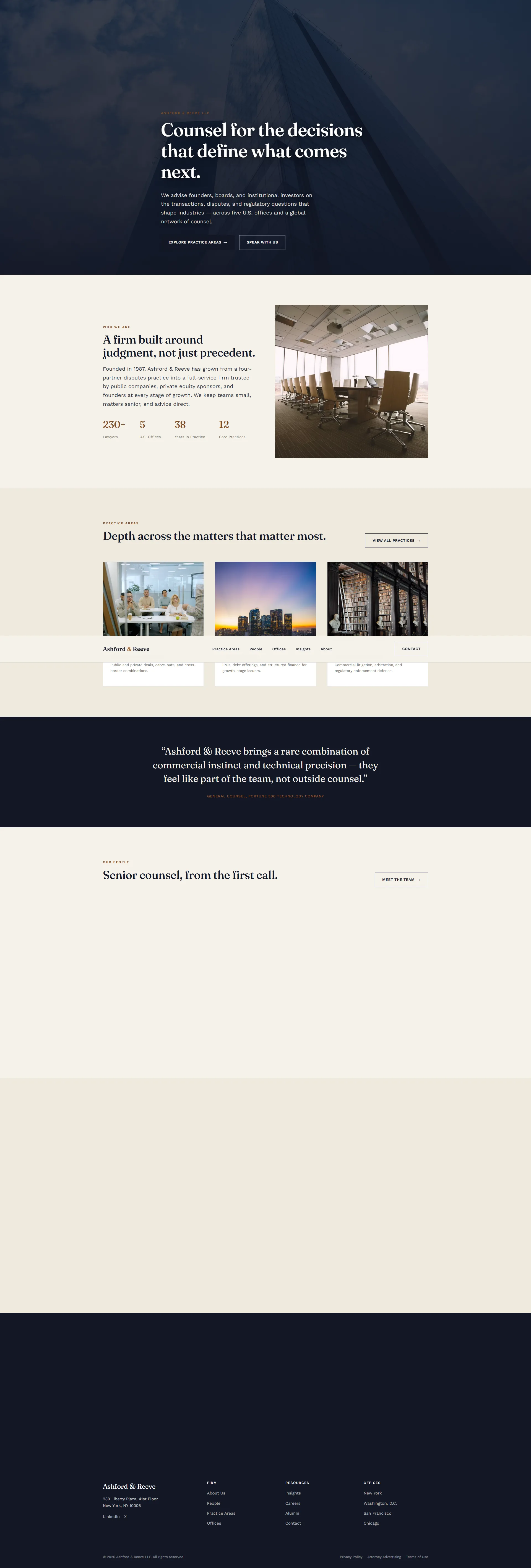
A full-bleed hero establishes tone immediately, followed by a firm-stats split section, a practice-area preview grid, a dark testimonial band, a people preview and an insights preview, each section revealing on scroll rather than loading flat.
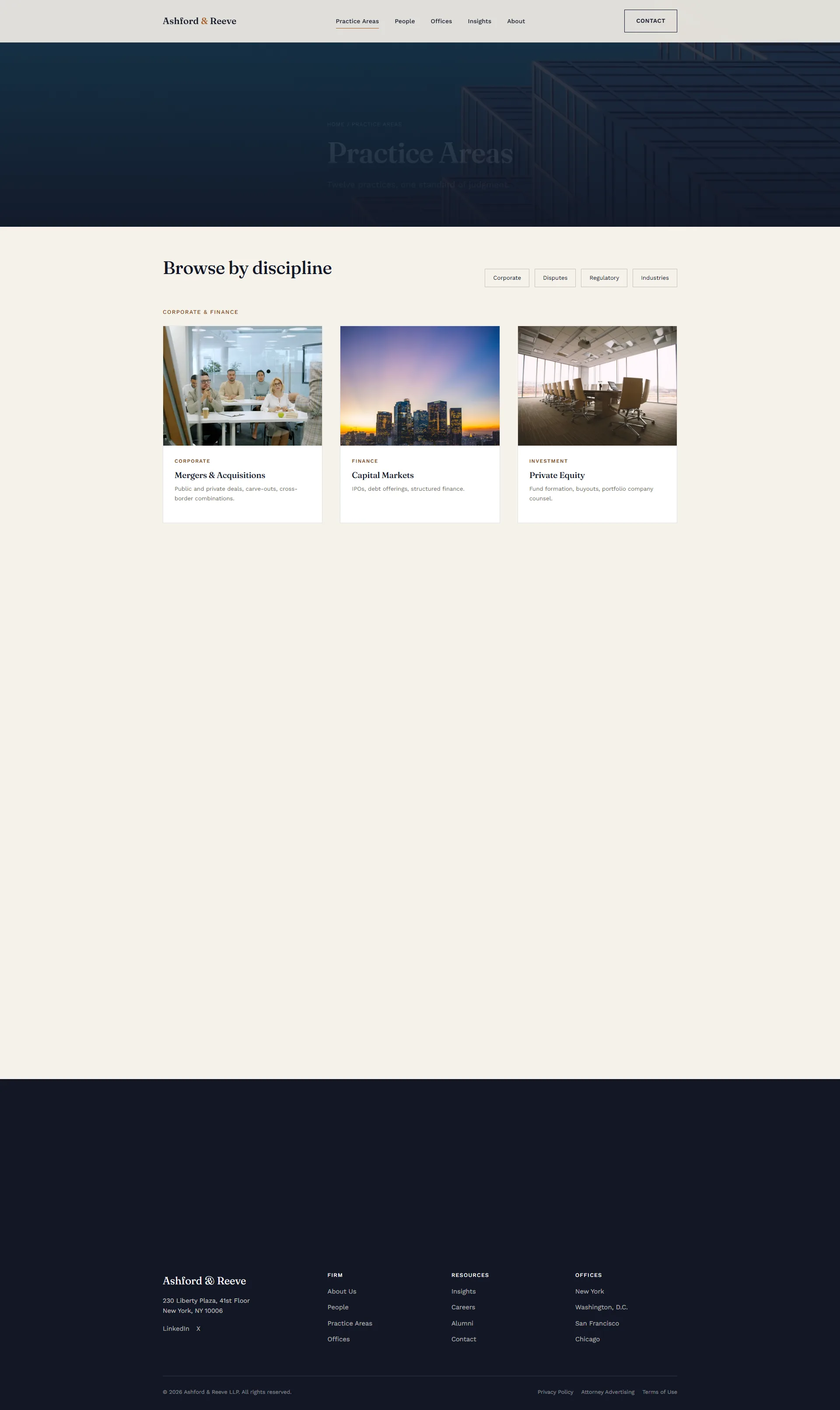
2. Practice Areas (directory)
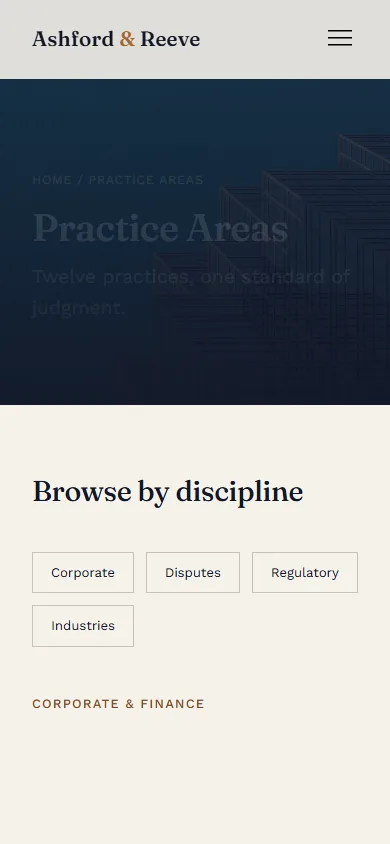
A filterable index grouping Corporate & Finance, Disputes & Regulatory, and Industries, built to stay legible even as the firm’s practice list grows past twenty entries.
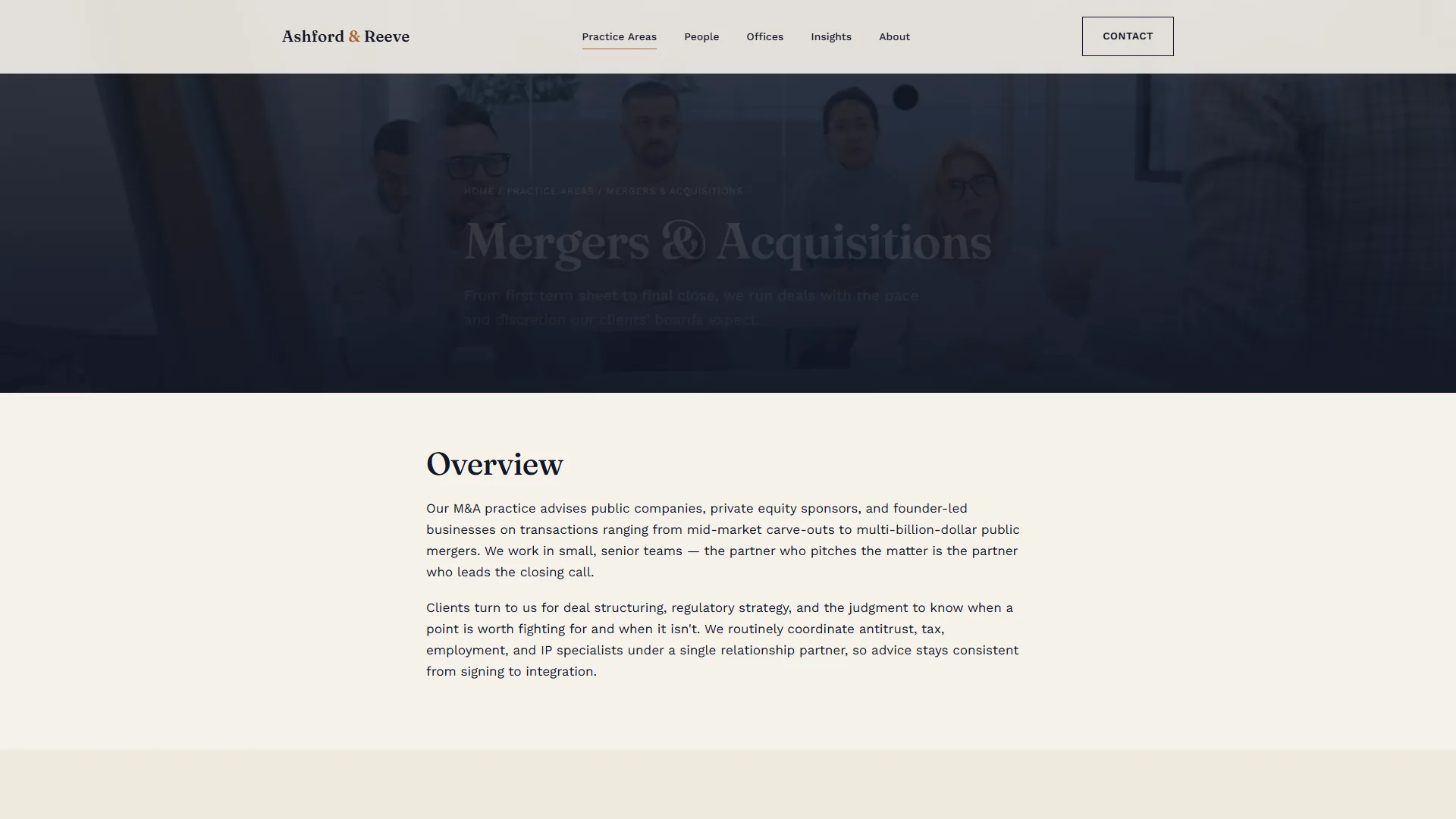
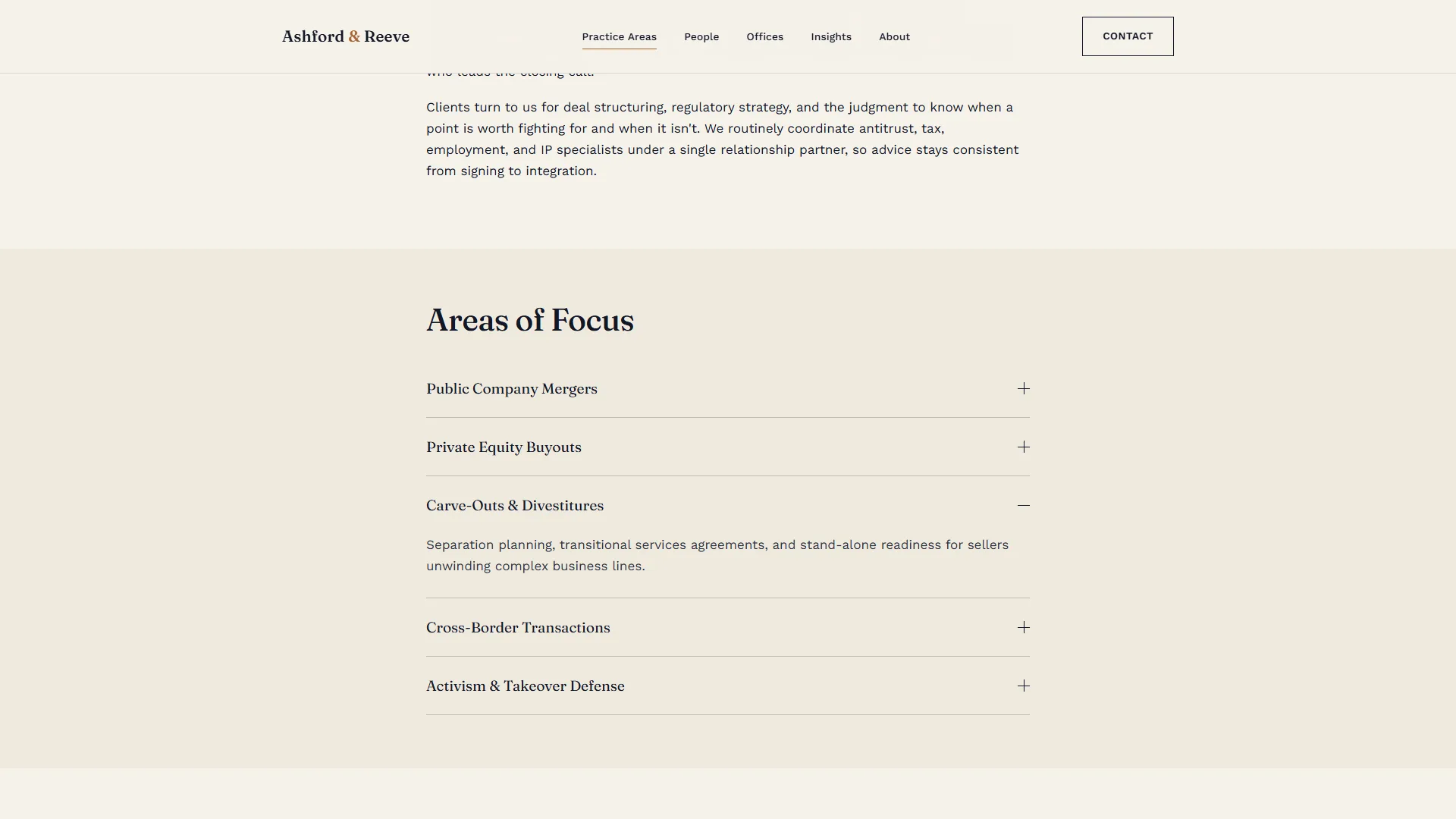
3. Practice Detail (Mergers & Acquisitions)
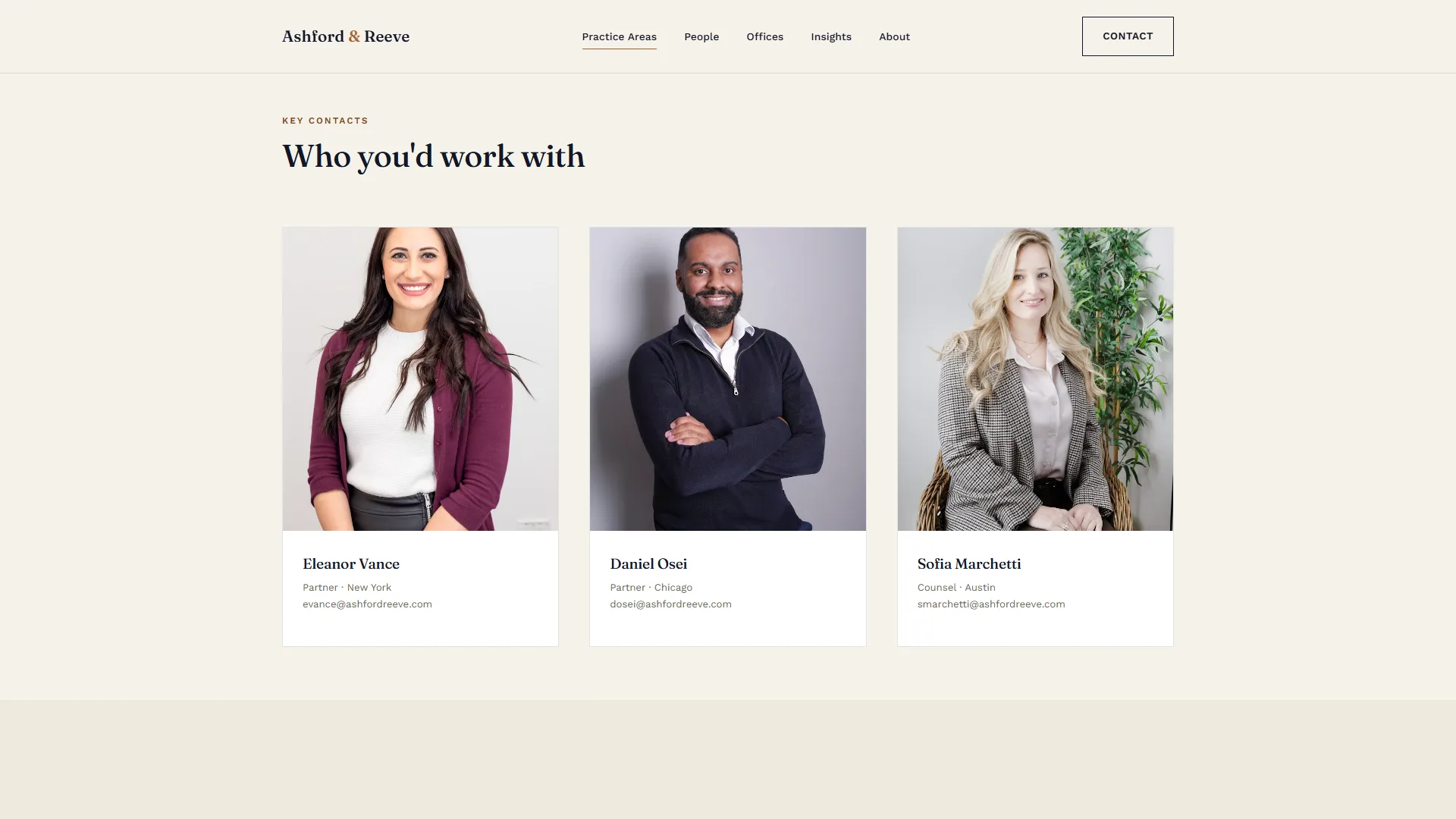
The template every individual practice page inherits: overview copy, an accordion of focus areas, a contacts module and related insights. It shows how the law firm design system UI handles deep content without a custom layout per page.
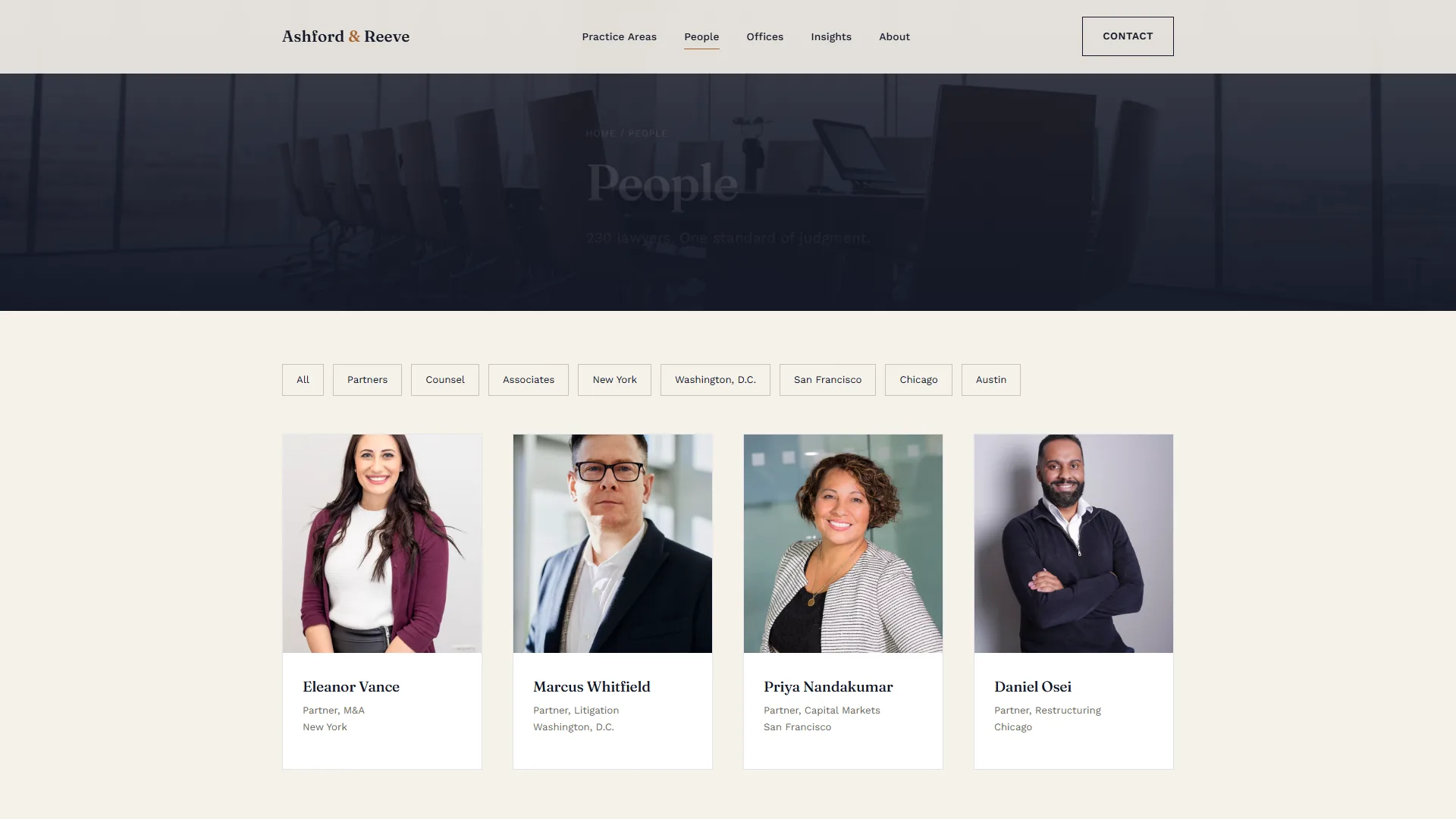
4. People (team directory)
A clean, photo-led grid with role and office filtering, built for a firm with hundreds of attorneys, not a four-person studio.
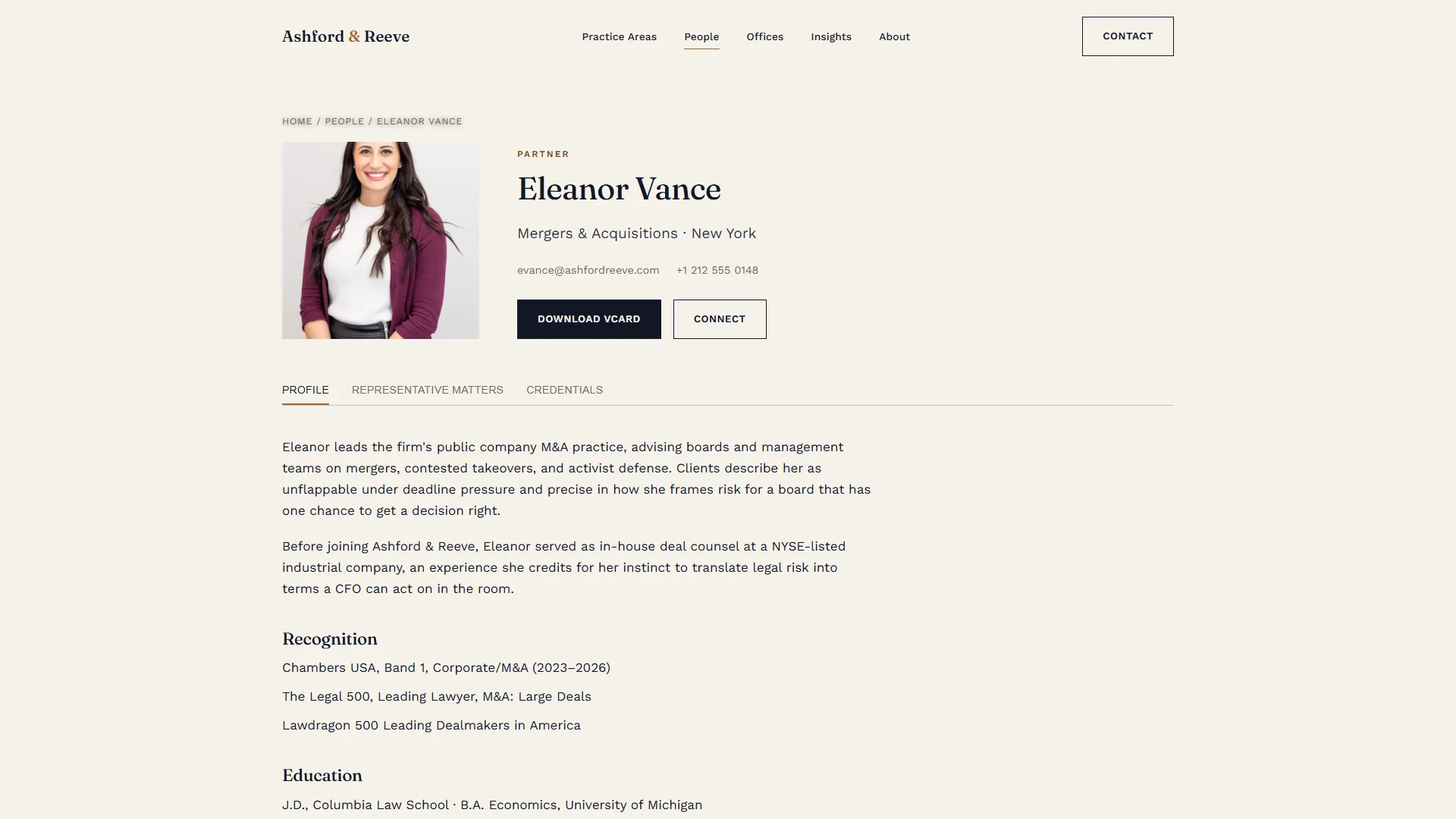
5. Attorney profile
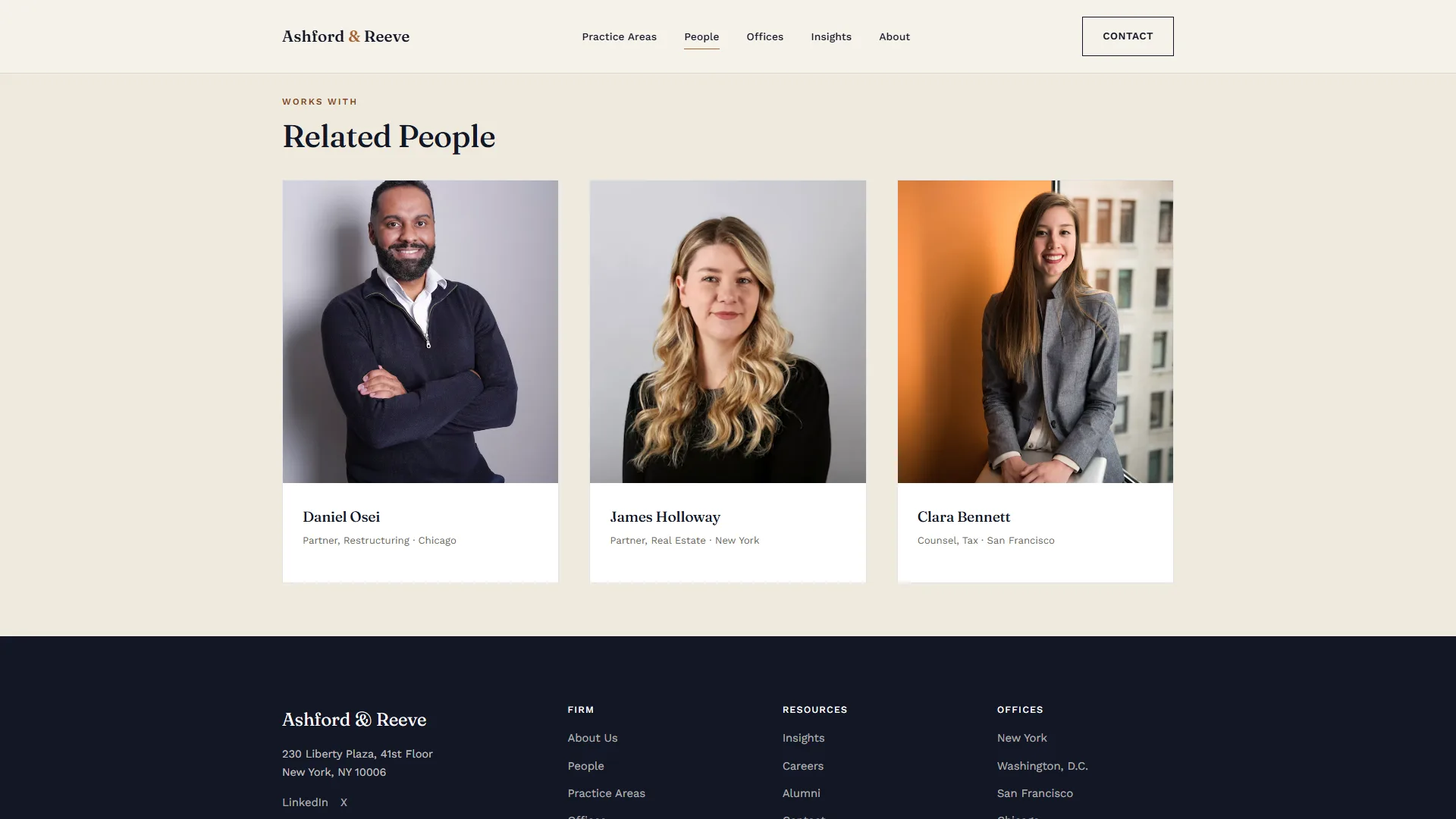
An individual bio template: portrait, contact actions, tabbed content, credentials and a “works with” related-people module.
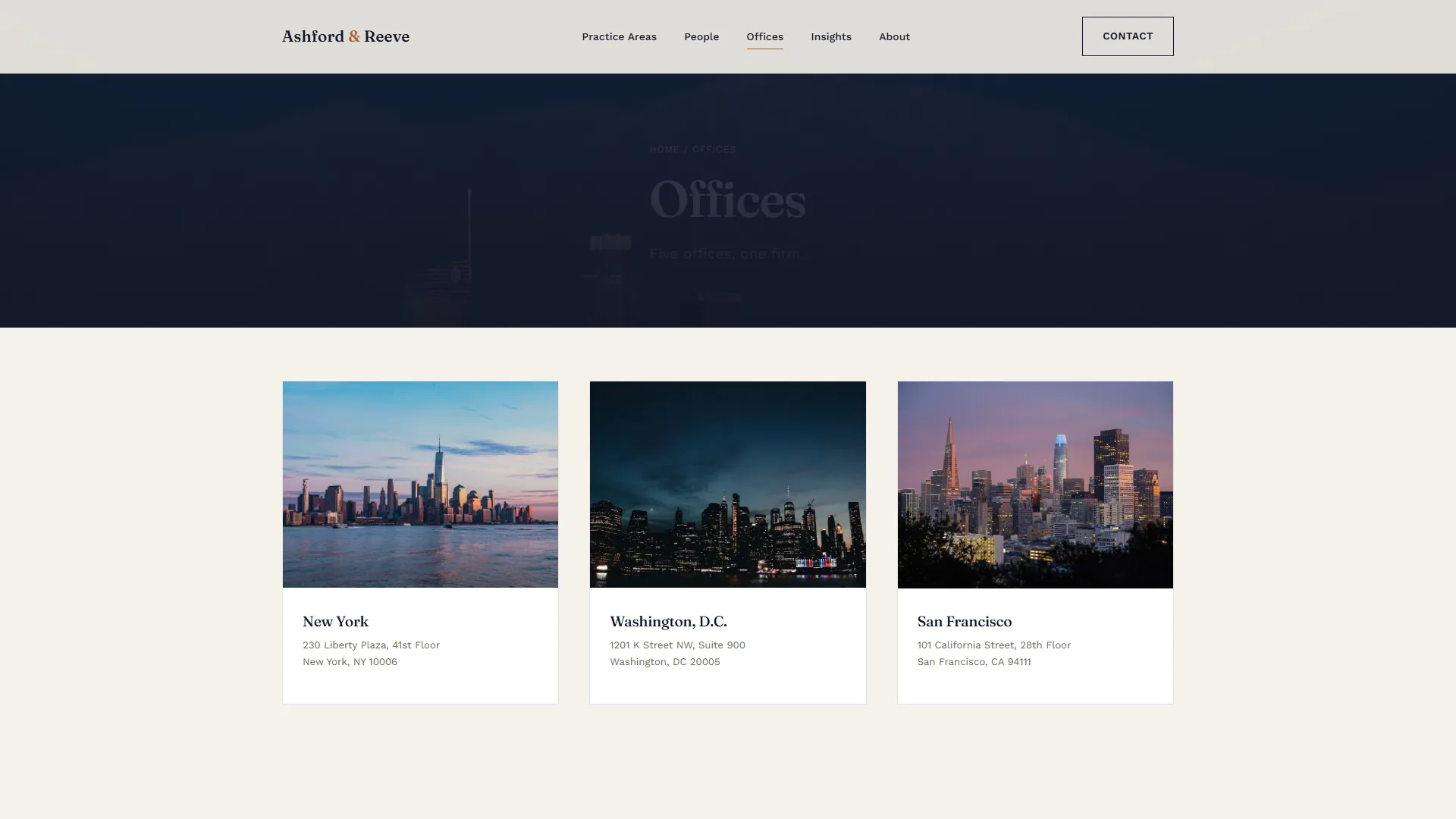
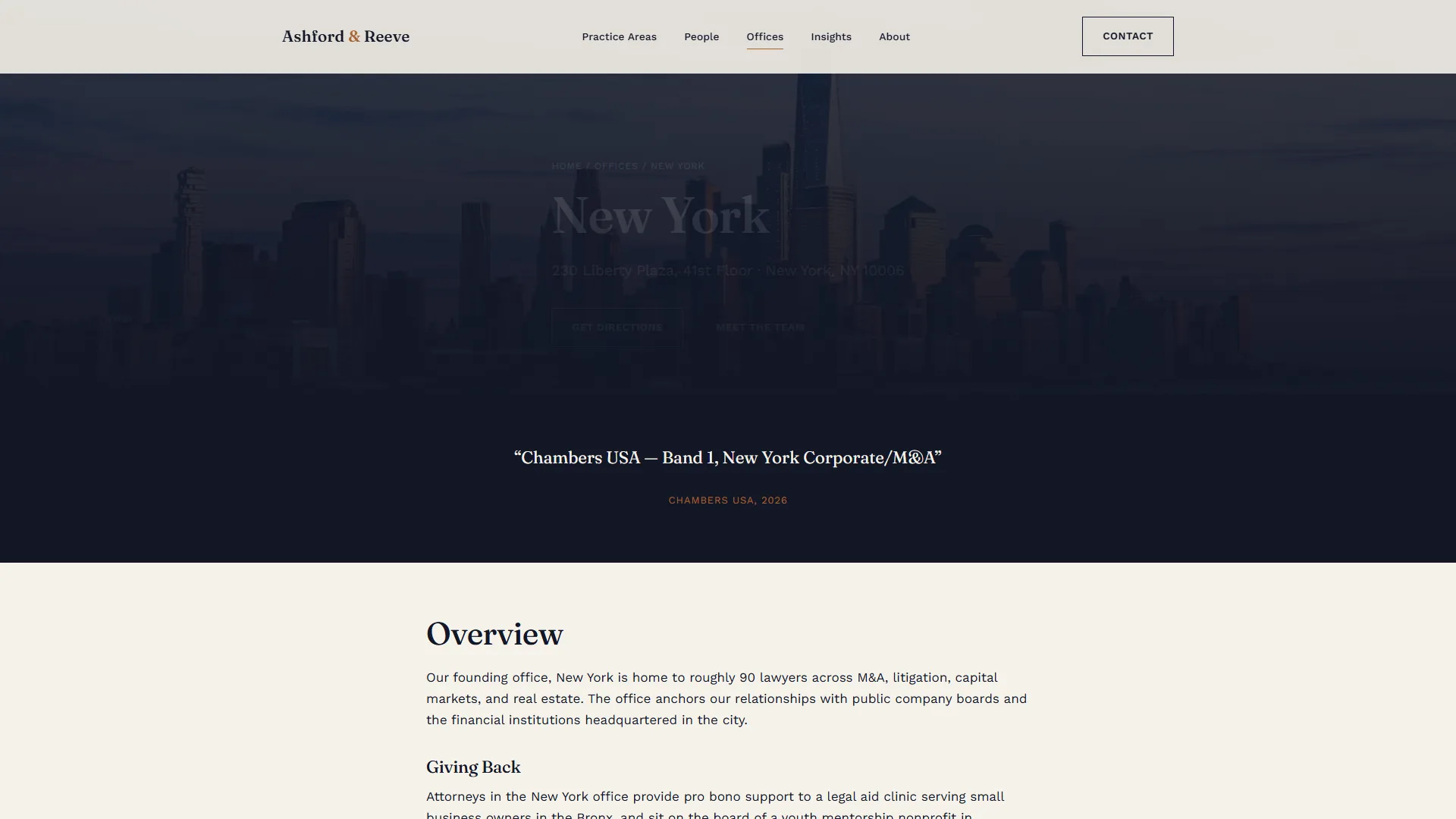
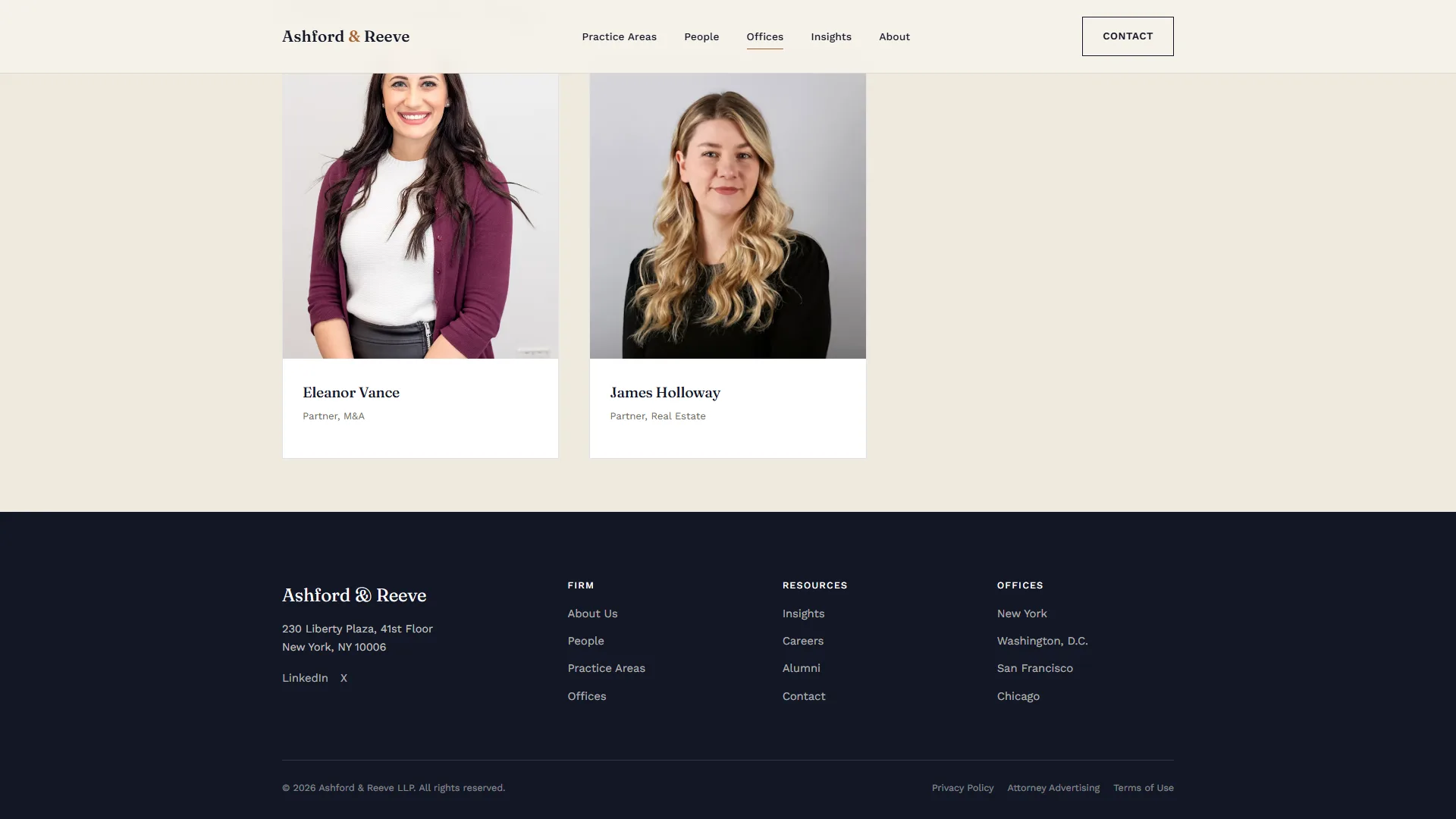
6. Offices (directory) and office detail
A location grid leading into a full office template: hero photography, a testimonial strip, local leadership and office-specific news.
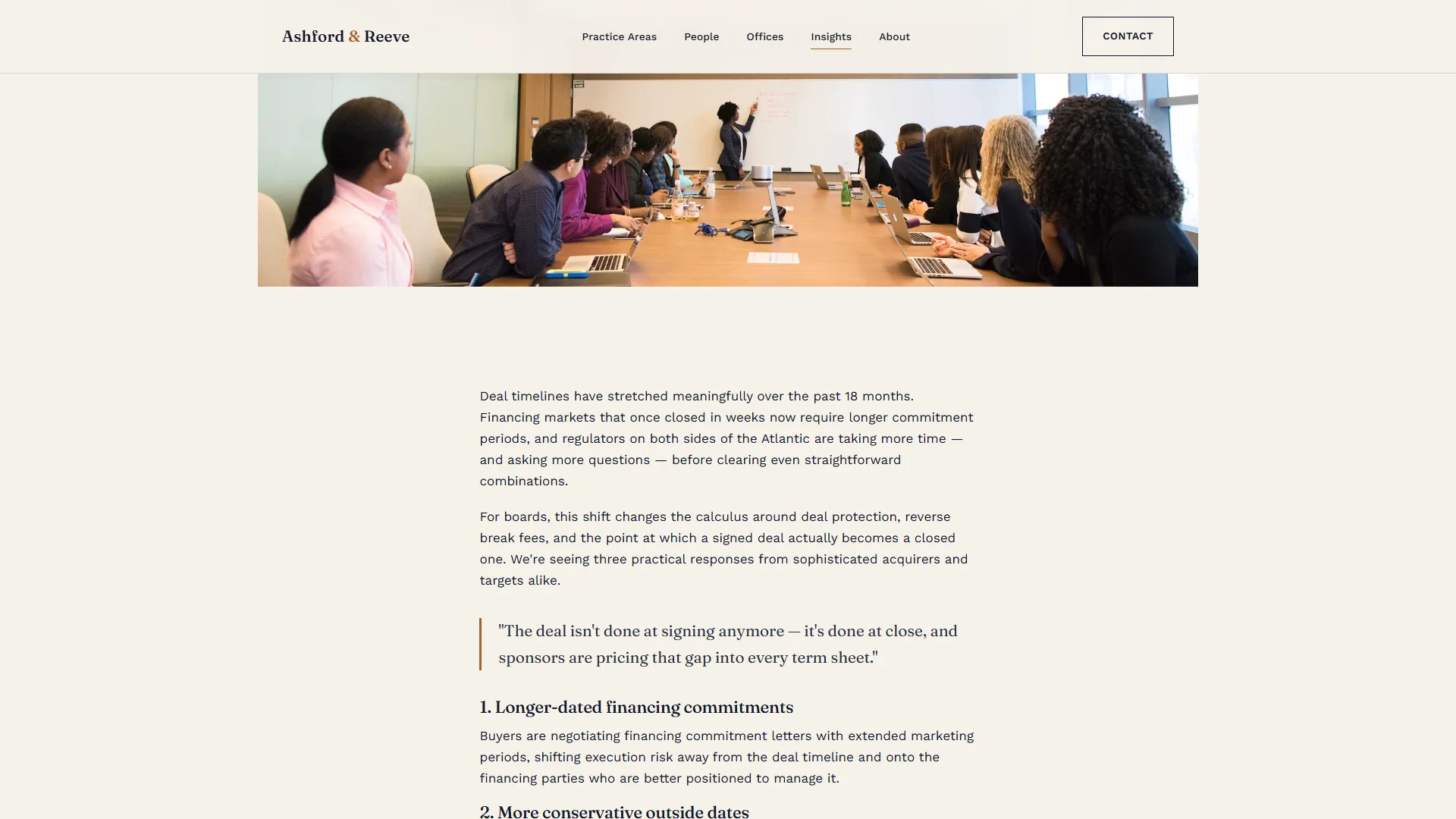
7. Insights (hub) and article
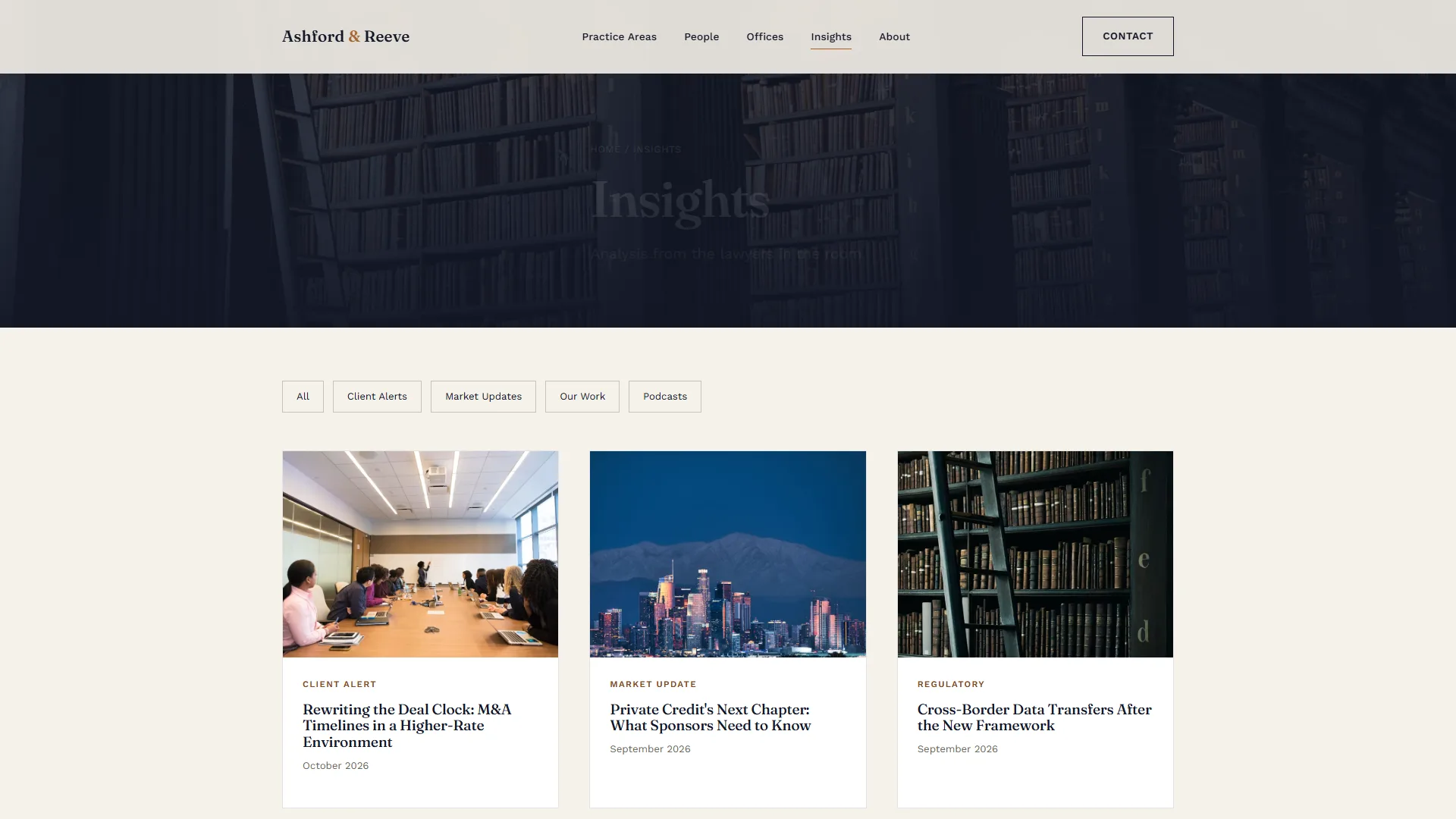
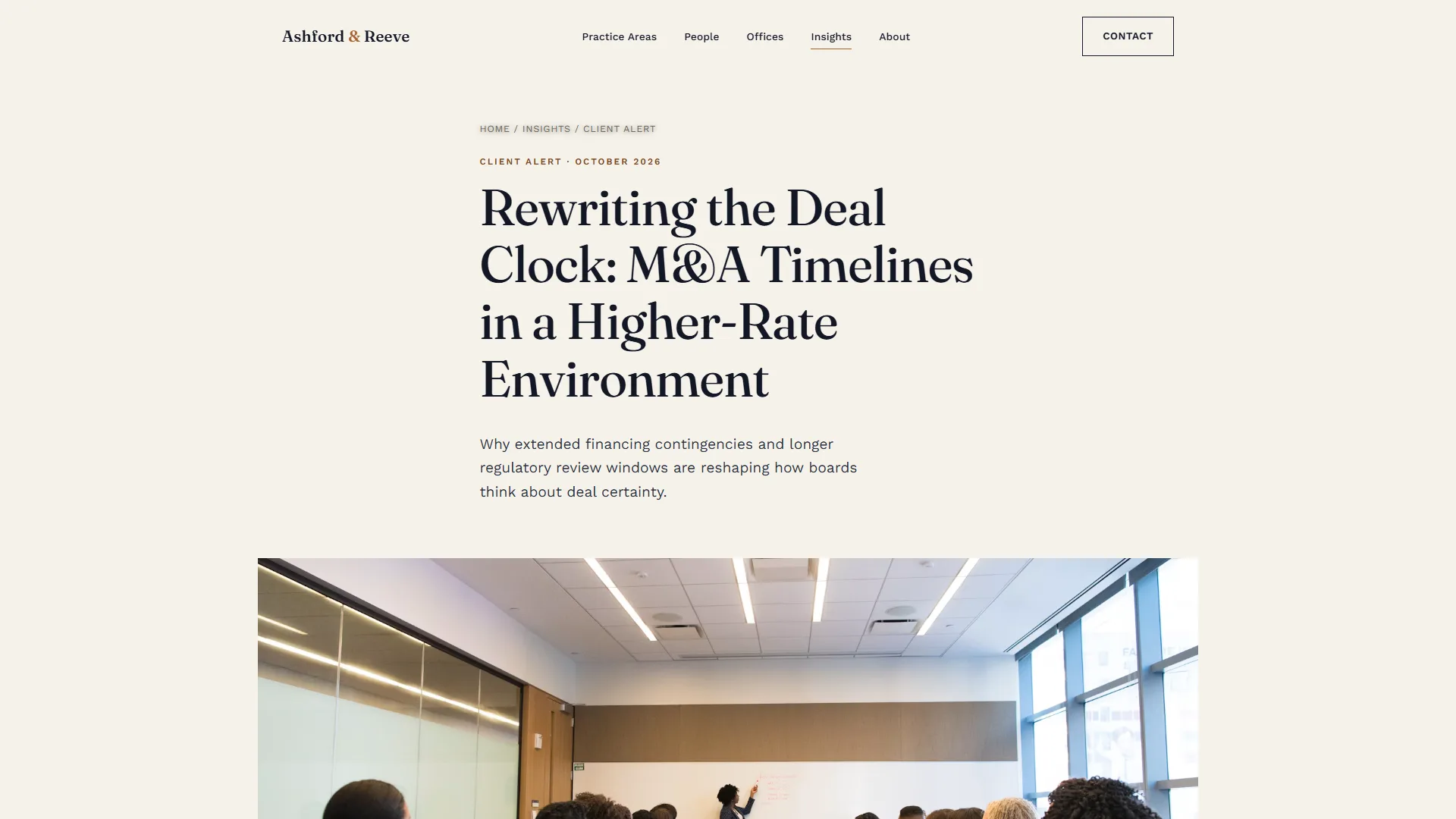
A content hub with type filters (Client Alerts, Market Updates, Our Work) feeding into a long-form article template with pull-quotes and related reading.
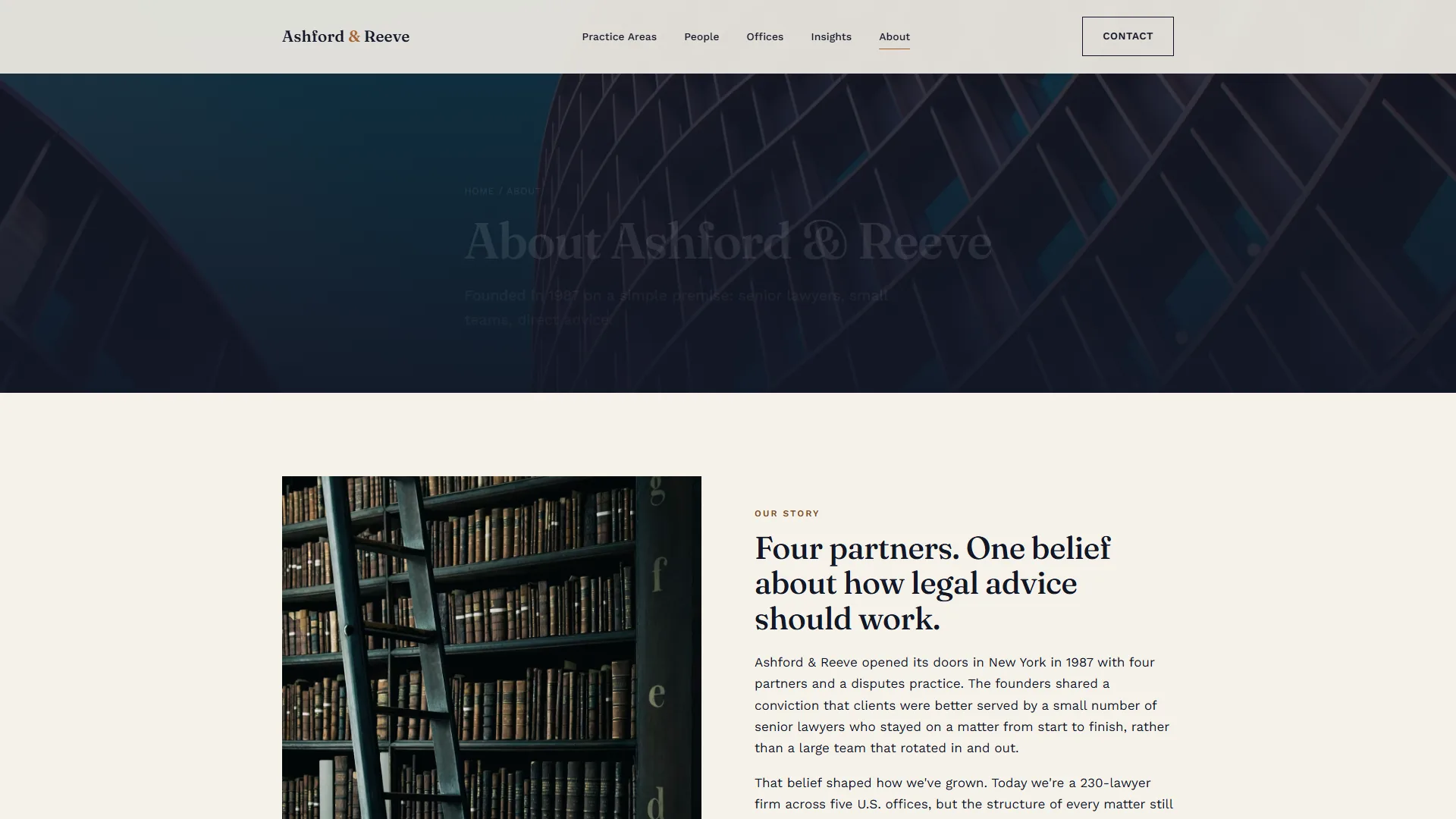
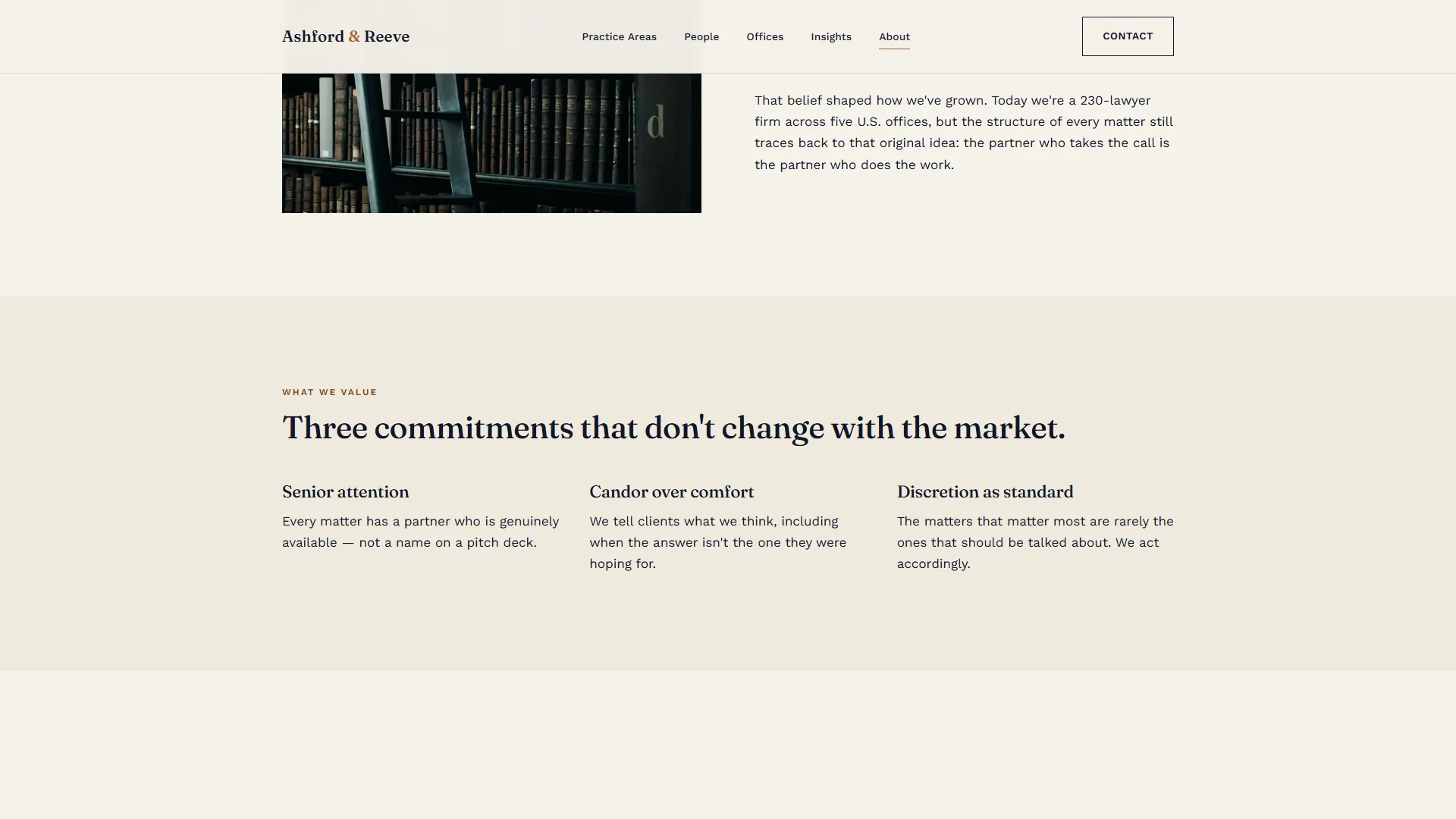
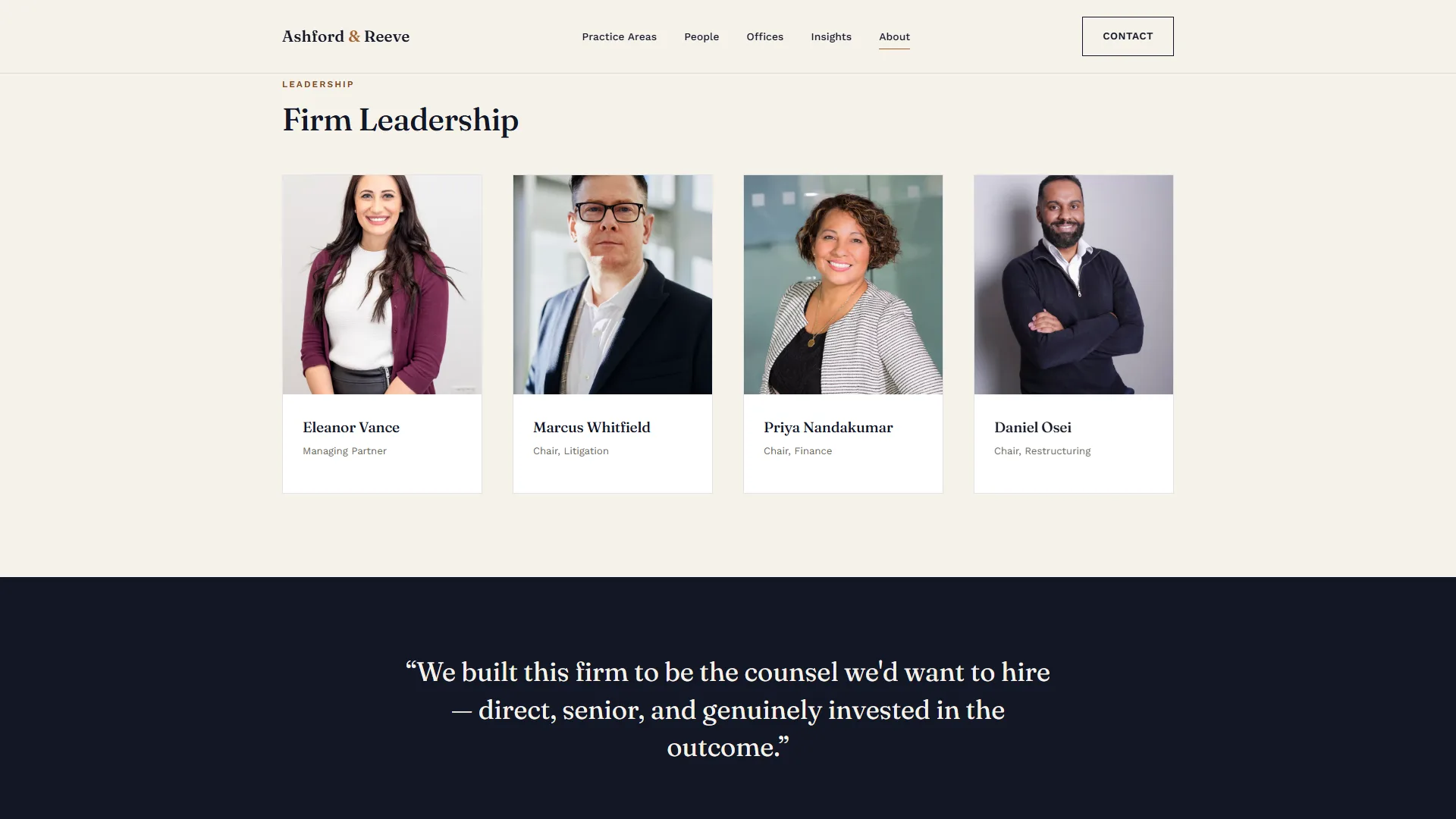
8. About
Firm narrative, values and leadership: the brand-storytelling page that supports corporate legal executive positioning for the firm’s partners.
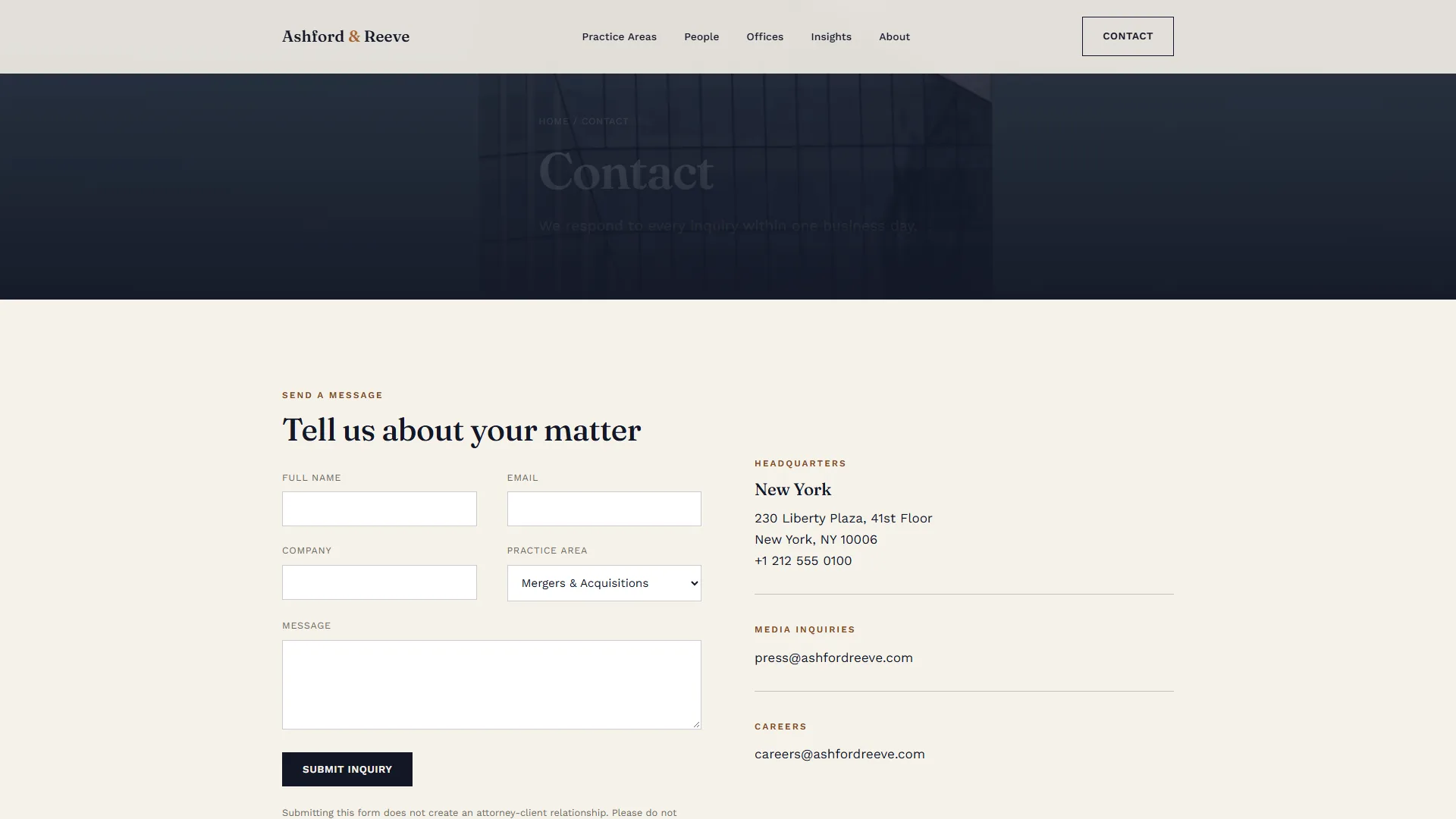
9. Contact
A direct inquiry form routed by practice area, paired with office and media contact details.
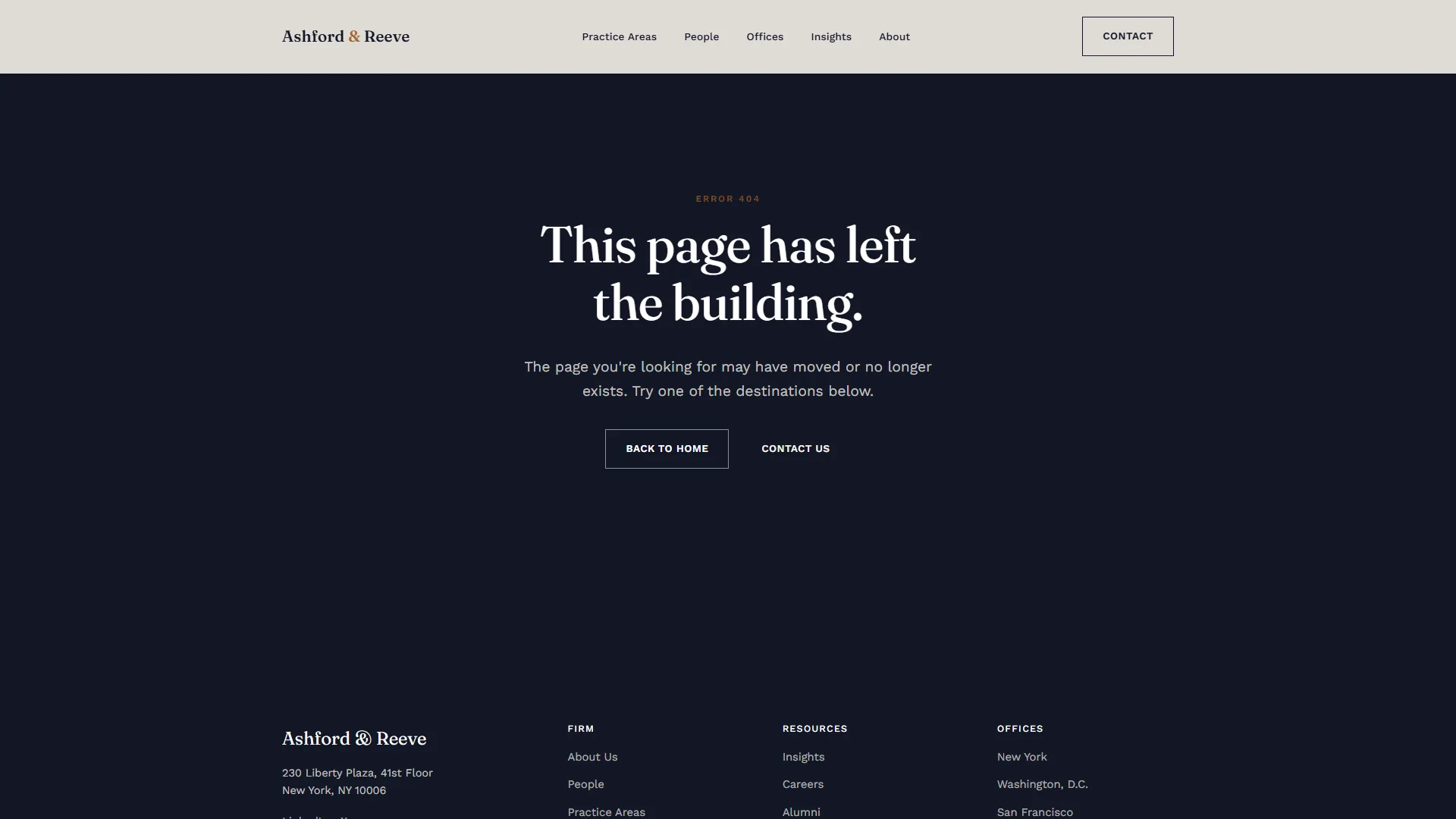
10. 404
Even the error state stays on-brand: dark, centered, with two clear exits back into the site.
Motion and interaction design
Every section on every page uses a scroll-reveal pattern: content sits slightly below baseline and fades up into place as it enters the viewport, staggered across grid items so cards don’t all land at once. It is built on a single IntersectionObserver, so there is no animation library overhead. Beyond scroll reveal, the system includes:
- Accordion interactions on practice pages, with a single panel open and a smooth height transition.
- Hover-lift card states across every card grid (practices, people, insights, offices).
- Underline-draw link states in the primary navigation.
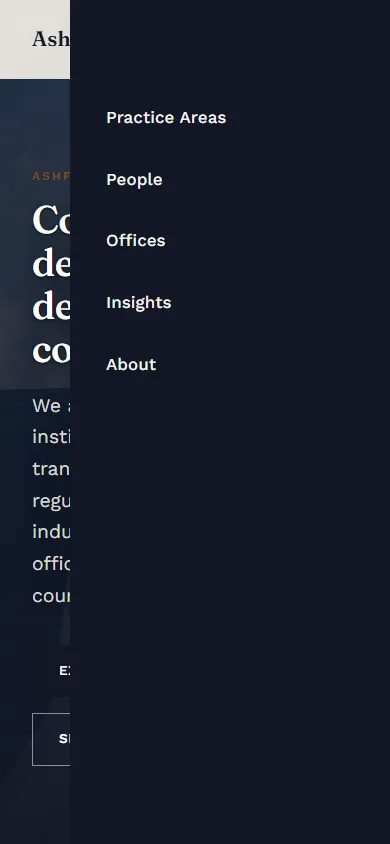
- A slide-in mobile navigation with its own entrance transition.
- A dismissible consent bar that persists its state locally.
Responsive design
The entire template system — hero, grid, accordion, profile, footer — was built mobile-first and tested down to a 360 px viewport, with the primary navigation collapsing into a full-height slide-in panel.

Engineering approach
No framework, no build step, no bloat: a deliberate choice for a professional web design company deliverable that needs to stay maintainable by any future developer.
- Semantic, static HTML across twelve templates.
- One shared stylesheet built on CSS custom properties. Swap four color tokens and the whole system re-themes.
- One dependency-free JavaScript file handling scroll reveal, accordions, navigation and consent state.
- Variable web fonts (Fraunces and Work Sans) loaded with
preconnect.
The same system is built to extend into localized versions of the site, with additional languages and offices, without touching the underlying template logic. That long-horizon thinking is what we bring to every law firm web design agency engagement.
The full home page
Planning a law firm website?
Talk to us about law firm website design, a custom web design and brand system for your firm, or see more work in the legal industry.
FAQ
Is Ashford & Reeve a real law firm?
No. Ashford & Reeve is a self-initiated concept we created for this project. The lawyers, offices and figures are sample content.
What is custom law firm website design?
It is a site designed around the firm's own typography, color and content structure, rather than a stock template with a navy header and gavel photography.
How do you organize a law firm website with many practices, people and offices?
We build a small set of reusable templates (hero, card grid, accordion, profile, article) that can represent every type of content, so the structure scales without a new layout for each page.
Can a law firm site be extended to new languages and offices?
Yes. The template system is built so additional languages and offices can be added without changing the underlying template logic.